Crop, resize, and print your Myntra shipping labels online in seconds - perfect for A4 sheets and thermal printers.
Simplify your order packaging with our free Myntra label crop tool.
We don’t charge any money for our services. You can support us by purchasing through this Amazon link - it helps us keep the site free for everyone.❤️
Select Mode
Please Select Mode First
Thermal Printer
A4 Sheet
Settings
Loading PDF __ / __
How to Crop, Merge & Print Myntra Shipping Labels Online
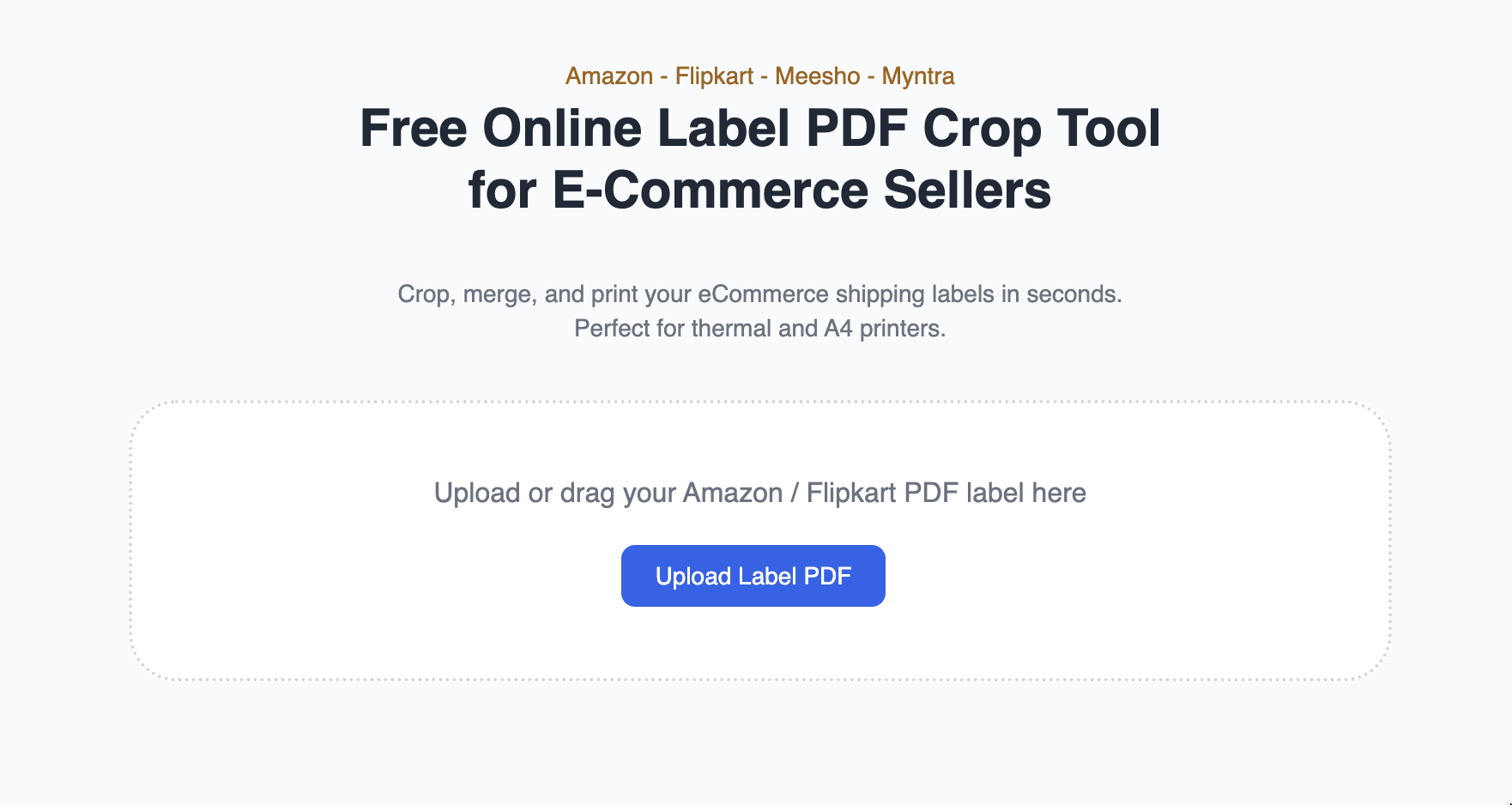
Step 1: Upload Your Label PDF
Upload your Myntra Label PDF or Shipping Label using the
“Upload New PDF” button. You can also drag and drop your Myntra label into the upload area for faster uploading.
Step 2: Choose Print or Crop Mode
Select between Thermal Printer Mode or A4 Sheet Layout for your Myntra Shipping Labels.
Perfect for maintaining accurate alignment using our Myntra Label Crop Tool.
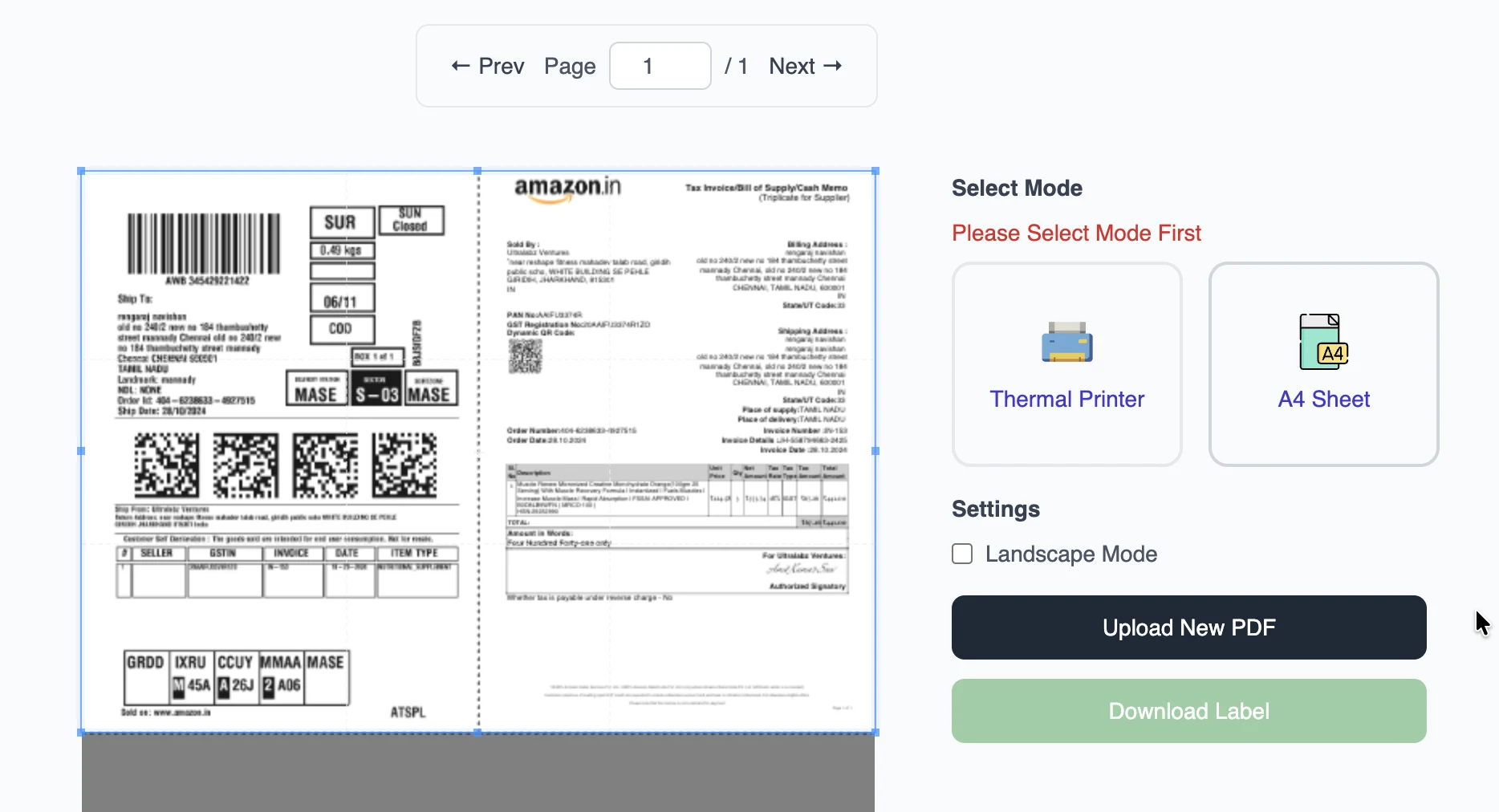
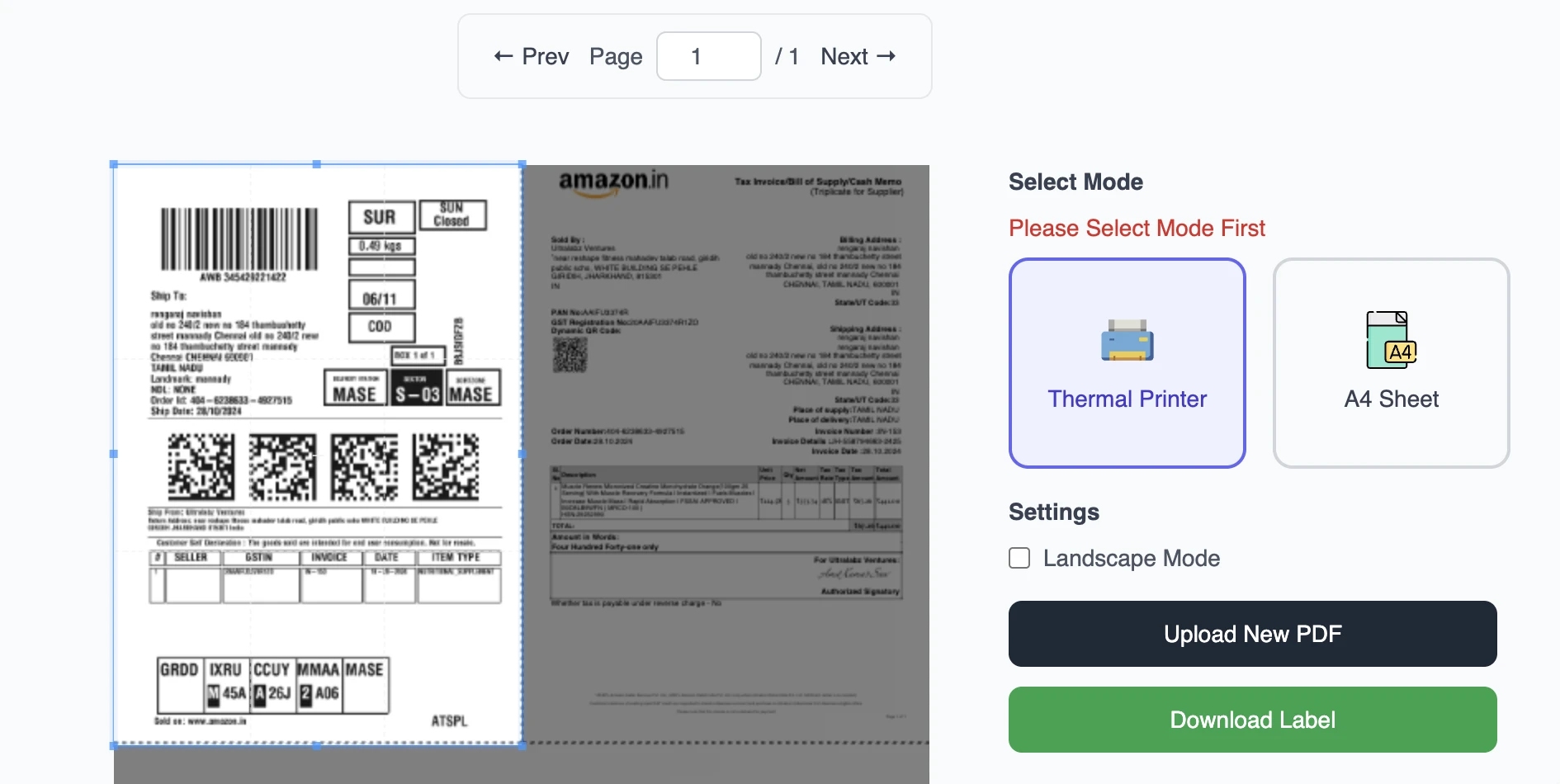
Step 3: Crop and Adjust Labels
Use the PDF Cropper to trim and resize your Myntra shipping labels.
Adjust margins, crop areas, and layout for a clean and professional look before printing.
Step 4: Merge, Download & Print
Combine multiple pages using our Free PDF Merge Tool or Myntra Label Cropper.
Instantly download your final Myntra Label PDF — ready for fast, accurate printing.

Myntra Label Crop Tool – FAQs
Upload your Myntra label PDF to our Free Myntra Label Crop Tool, select between Thermal Printer or A4 Sheet mode, and click Crop & Download.
The Myntra shipping label cropper automatically formats your labels for perfect print alignment.
The standard Myntra label size is 4x6 inches (101.6 mm × 152.4 mm), ideal for thermal printers.
You can also print the same size on A4 sheets using our Myntra label crop tool.
Go to Myntra Seller Portal › Orders › Print Shipping Label, download the label PDF, and upload it to our Myntra label cropper.
Then choose your printer type — Thermal or A4 — and get perfectly cropped labels for printing.
Yes! Upload multiple Myntra label PDFs at once — our tool will automatically merge, crop, and align them.
It’s perfect for bulk Myntra order fulfillment and saves sellers a lot of time.
Absolutely! The Myntra label crop tool supports both A4 sheets and thermal printers.
Easily print multiple labels per page with perfect alignment.
Yes, our Myntra label cropper is 100% free. Upload, crop, and download unlimited Myntra shipping labels —
no registration, no watermark, and no installation required.
Yes, it supports both Myntra Partner and Warehouse shipping labels.
Just upload your downloaded PDF, and the tool automatically optimizes it for your printer type.
Yes! Our All-in-One Label Crop Tool works with Myntra, Amazon, Flipkart, and Meesho shipping labels.
Simply upload your PDF, select your platform, and download your cropped label instantly.